
The app tour
Three views. Your workflow.
Explore ROYVIRA with app screenshots. German interface and example data; this is a visual tour without audio playback.
01 / 03
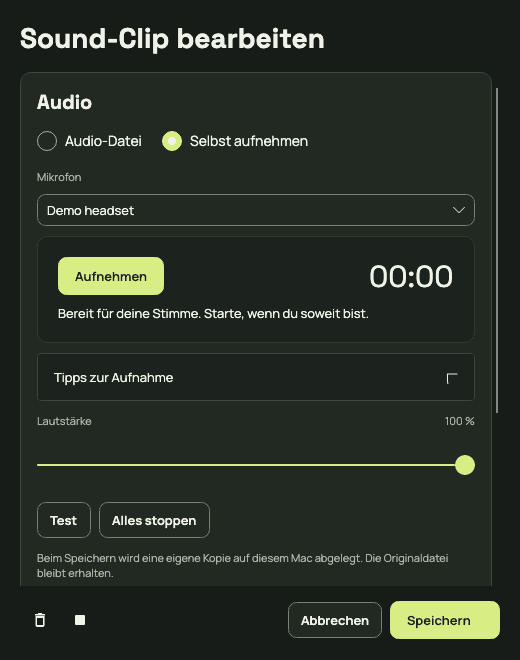
Capture your phrase.
Choose your microphone in the recording window and record your phrase. Listen back, then give the clip a name.
02 / 03
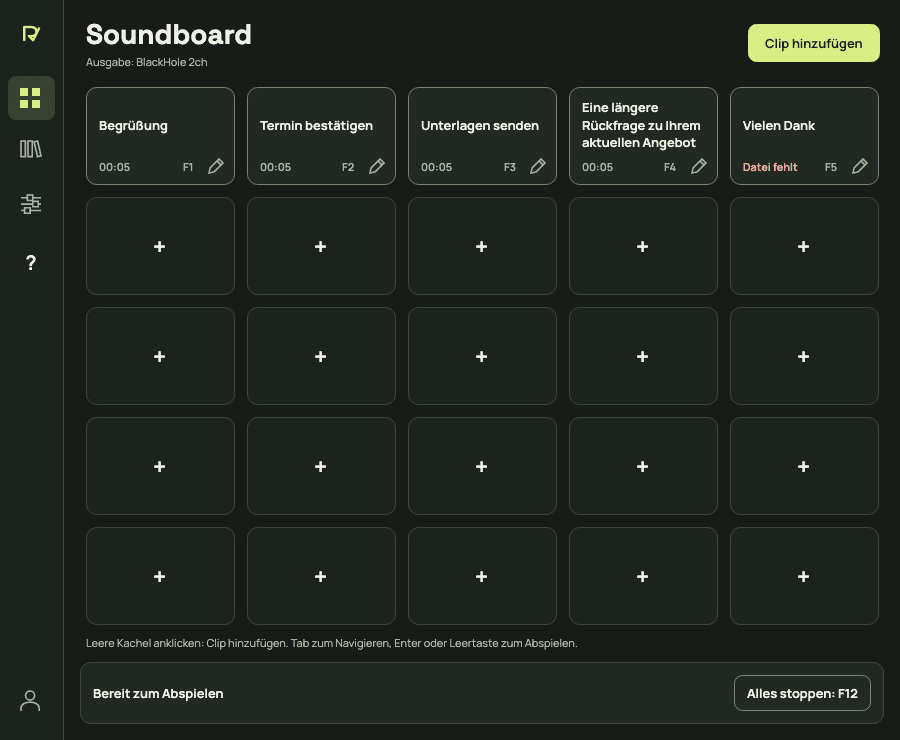
Play it at the right moment.
Your clips have dedicated slots. Start the right recording yourself with a click or keyboard shortcut, and stop it when needed.
03 / 03
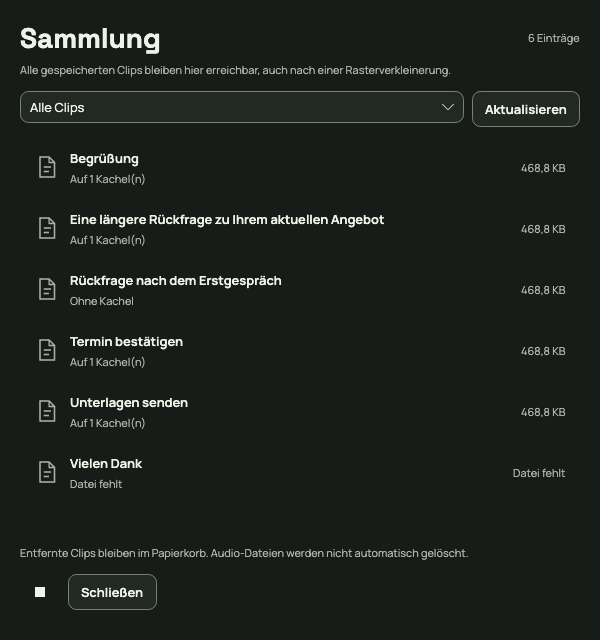
Keep your library organised.
Keep track of your clips in the library and assign them to the soundboard. Deleted clips can be restored from the trash.
Ready to learn more?
The public app release is being prepared. The download will follow at release.